
Screen resolutions vary greatly and directly influence users’ visual experience. Whether for work, gaming, or watching videos, understanding the distinctions between different resolutions is essential for making an informed choice.
Terms like HD, Full HD, 4K, and even 8K are commonly used, but what do they really mean? These designations relate to the clarity and precision of the images displayed on the screen. A higher resolution generally offers a sharper image, with more details and better visual quality, but it also requires more processing power and bandwidth.
Understanding the Importance of Screen Resolution
The screen resolution determines the clarity of the displayed image. It is measured in the number of pixels in width multiplied by the number of pixels in height. A pixel, the smallest entity of a digital image, plays a fundamental role in visual quality.
Main Technical Terms
- DPI: number of dots per inch when scanning or printing.
- PPI: number of pixels per inch on a screen, influencing sharpness.
- Image Format: proportions of the displayed image rectangle, often expressed in ratios like 16/9 or 4/3.
A monitor, whether for work or entertainment, has a specific screen resolution. For example, a resolution of 720p corresponds to 1280×720 pixels. The higher the resolution, the greater the number of pixels, thus providing a more detailed image.
Impact on User Experience
Resolution directly affects the visual experience. A higher resolution, such as 4K (3840×2160 pixels), offers a more precise and immersive image, particularly beneficial for video content and gaming. However, it requires increased processing power and higher bandwidth.
The evolution of image formats, such as the transition from 4/3 to 16/9, has also changed visual perception. These formats influence the image format and how content is displayed on different devices.
Understanding these concepts is essential for optimizing display according to users’ specific needs.
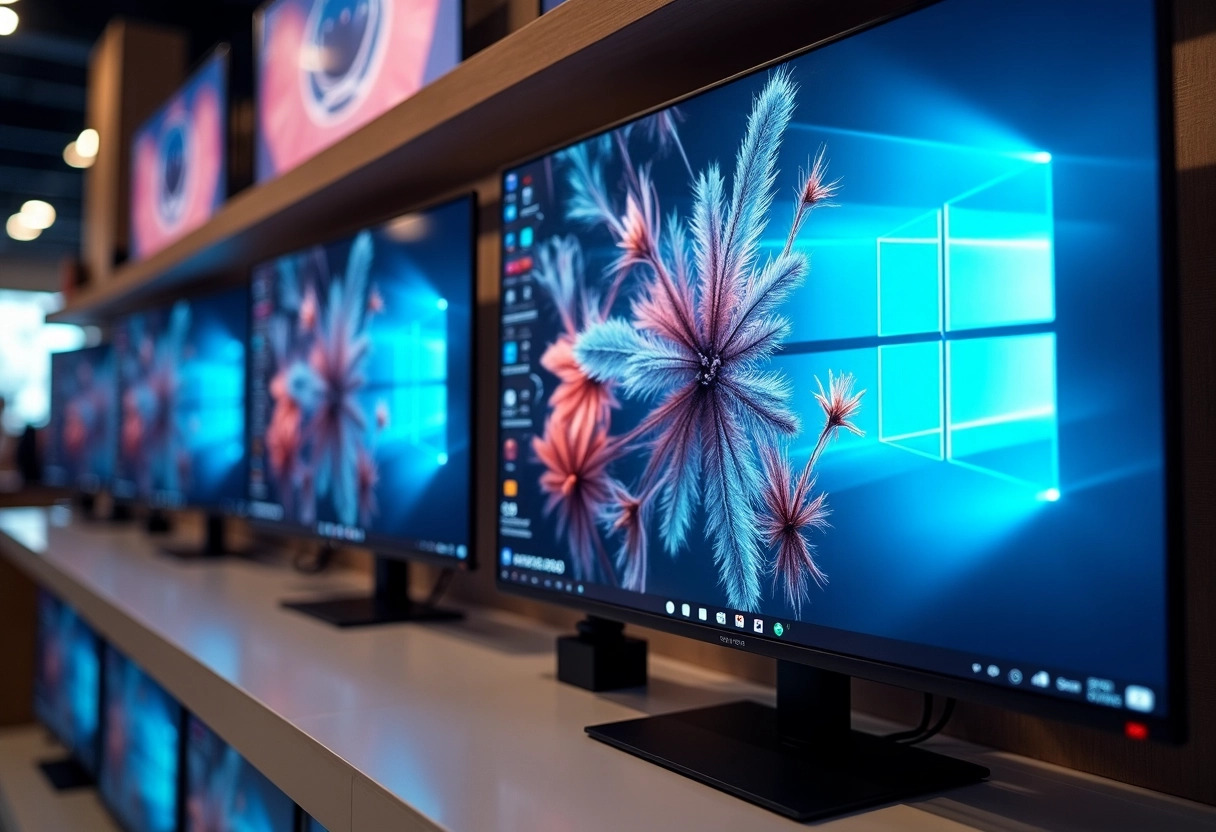
Comparison of the Most Common Resolutions: From HD to 8K
When analyzing different screen resolutions, it is important to understand the distinctions between each of the main formats available on the market. These resolutions, ranging from HD to 8K, meet various needs in terms of image quality and user experience.
- HD (1280×720): This resolution is often used for televisions and mobile devices. It offers decent image quality for most content but may lack detail for larger screens.
- Full HD (1920×1080): Also known as 1080p, this resolution has become the standard for many monitors and televisions. It provides a sharp image and is adequate for most everyday uses.
- 2K (2560×1440): Often used by gamers and creative professionals, this resolution offers a good compromise between image quality and performance.
- 4K (3840×2160): The 4K resolution, or Ultra HD, is increasingly common on high-end televisions and monitors. It offers an extremely detailed image, ideal for high-definition video content.
- 8K (7680×4320): Representing the pinnacle of current image quality, the 8K resolution is still rare on the market but offers unparalleled clarity and precision.
Each resolution has its advantages and disadvantages. For example, while HD is sufficient for small screens, 4K and 8K are better suited for large screens where every detail matters. These resolutions require different hardware resources, which can influence the choice depending on the intended use.
In terms of image format, 16/9 has become the standard for high definition, while 4/3 is nearly obsolete. The 21/9 format, on the other hand, is favored for ultra-wide monitors and panoramic televisions, offering an immersive visual experience.
This diversity of resolutions and formats allows for varied needs, whether for entertainment, work, or content creation. Consider your specific needs to choose the resolution that suits you best.